
What is Telehealth.MyOptumServe.com and How Do I Use It?
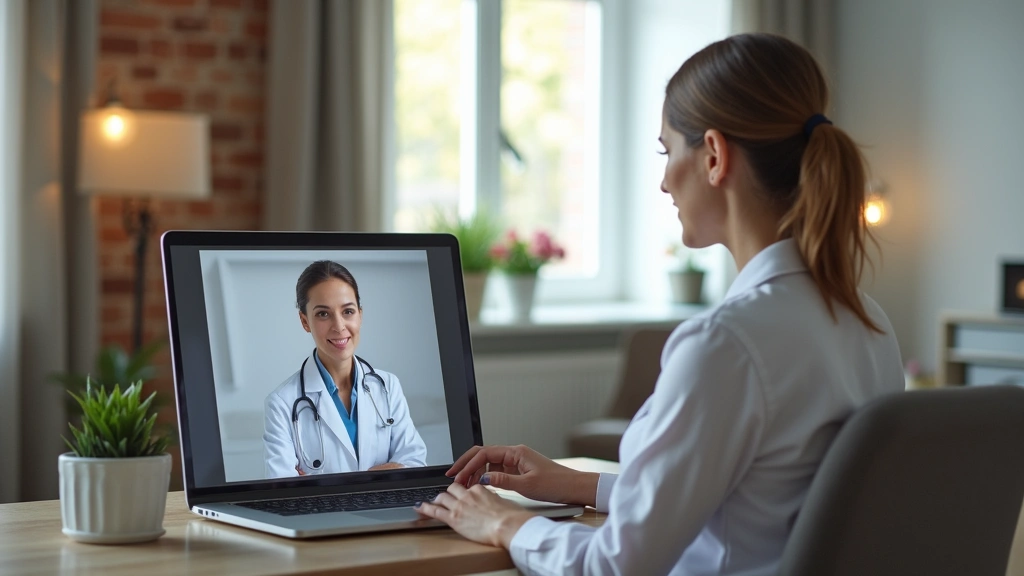
MyOptumServe telehealth represents a modern approach to healthcare delivery, combining digital technology with professional medical services. As part of Optum’s comprehensive healthcare ecosystem, this platform eliminates geographical barriers and reduces wait times for non-emergency medical care. Whether you need a prescription refill, urgent care consultation, or mental health support, the platform provides 24/7 access to qualified healthcare providers.
Understanding how to navigate this platform effectively can significantly improve your healthcare experience and help you manage your health more efficiently from home.
How Do I Log In to Telehealth.MyOptumServe.com?
The login process is straightforward and designed for easy access. Visit telehealth.myoptumserve.com and enter your existing Optum credentials. If you’re a new user, select the registration option and provide your member ID, date of birth, and contact information. The platform uses secure authentication to protect your personal health information. For added convenience, you can download the MyOptumServe mobile app for iOS or Android devices and log in using the same credentials.
What Services Are Available on MyOptumServe Telehealth?
MyOptumServe offers comprehensive digital health services covering various medical needs. Primary care consultations address common health concerns like cold symptoms, allergies, and minor infections. Mental health services connect you with licensed therapists and psychiatrists for counseling and medication management. The platform also facilitates telehealth prescribing for medications, chronic condition management for diabetes and hypertension, and dermatology consultations for skin concerns.

Is Telehealth.MyOptumServe.com Covered by My Insurance?
Coverage details depend on your individual Optum insurance plan. Many plans offer telehealth visits with minimal or zero copays, making virtual care more affordable than in-person appointments. Some plans may require a standard copay similar to office visits. Check your plan summary or call the member services number on your insurance card to confirm your specific coverage and any applicable deductibles.
How Do I Schedule a Virtual Appointment on MyOptumServe?
After logging in, the dashboard displays available care categories. Select your health concern or service type, such as “Cold & Flu” or “Mental Health.” The platform shows licensed providers with available appointment times, typically ranging from same-day to several days ahead. Review provider credentials and patient ratings, choose your preferred time slot, and confirm the appointment. You’ll receive a confirmation email with appointment details and a link to join the video consultation.

What Are the System Requirements to Use Telehealth.MyOptumServe.com?
Technical requirements are minimal and accessible to most users. A stable internet connection with at least 2.5 Mbps download speed ensures smooth video consultations. Your device should have a functioning camera and microphone for two-way communication. The platform works on Chrome, Firefox, Safari, and Edge browsers. Alternatively, the mobile app provides a dedicated experience optimized for smartphones and tablets, often offering better performance and easier navigation than the web version.
How Does MyOptumServe Telehealth Compare to In-Person Doctor Visits?
Telehealth excels at providing quick consultations for acute conditions, medication refills, and follow-up appointments. Online doctor appointments eliminate travel time and reduce overall healthcare costs. However, conditions requiring physical examination—such as abdominal pain assessment or injury evaluation—typically need in-person care. Complex diagnoses and procedures also require traditional office visits. The ideal approach combines both modalities based on your specific healthcare needs.
What Should I Do If I Have Technical Problems?
Common technical issues often resolve with basic troubleshooting. Clear your browser’s cache and cookies, then refresh the page. Update the MyOptumServe app to the latest version through your device’s app store. Test your camera and microphone settings before appointments. If problems persist, Optum’s customer support team is available 24/7 through the website chat feature or phone support. Having a backup device ready ensures you can still attend important appointments.
Frequently Asked Questions
Can I use MyOptumServe telehealth for emergency situations?
The platform clearly distinguishes between urgent care (treatable within hours or days) and emergencies requiring immediate intervention. Always call emergency services for chest pain, severe injuries, or difficulty breathing.
Are my medical records private on MyOptumServe?
Optum maintains strict data privacy standards. All consultations are encrypted, and your records are accessible only to authorized healthcare providers and staff. Review Optum’s privacy policy for complete details.
Can I get prescriptions through MyOptumServe telehealth?
After your appointment, providers send prescriptions electronically to your preferred pharmacy. You can pick up medications within hours, making the entire process convenient and efficient.