

What is MyChart for SSM Health and How Do I Use It?
MyChart has become an essential digital health tool for millions of patients across SSM Health’s network of hospitals and clinics. This patient portal streamlines healthcare management by putting your medical information at your fingertips 24/7, eliminating the need for phone calls and in-person visits for routine administrative tasks.
Whether you’re a new patient or have been receiving care at SSM Health for years, understanding how to navigate MyChart can significantly improve your healthcare experience and help you take a more active role in managing your wellness.
How Do I Log In to MyChart for SSM Health?
To log in, visit the official SSM Health website and locate the MyChart login portal, typically found in the main navigation menu. Enter your username and password to access your account. If you’re a first-time user, you’ll need to complete the registration process, which requires your date of birth, medical record number, and phone number associated with your SSM Health account.
What Features and Services Are Available in MyChart SSM Health?
MyChart provides comprehensive features designed to enhance your healthcare management. You can view your complete medical history, access lab results within hours of completion, manage prescription refills without calling your pharmacy, and review detailed billing statements. The platform also integrates with online doctor appointment scheduling capabilities for added convenience.
How Do I Schedule or Reschedule an Appointment Through MyChart?
The appointment scheduling feature allows you to browse available time slots across all SSM Health locations and providers. You can filter by provider specialty, location, and preferred date. Once you’ve selected your appointment, you’ll receive confirmation details via email. Rescheduling existing appointments is equally straightforward—simply select the appointment you wish to change and choose a new time slot.
How Do I Send a Message to My Doctor Through MyChart?
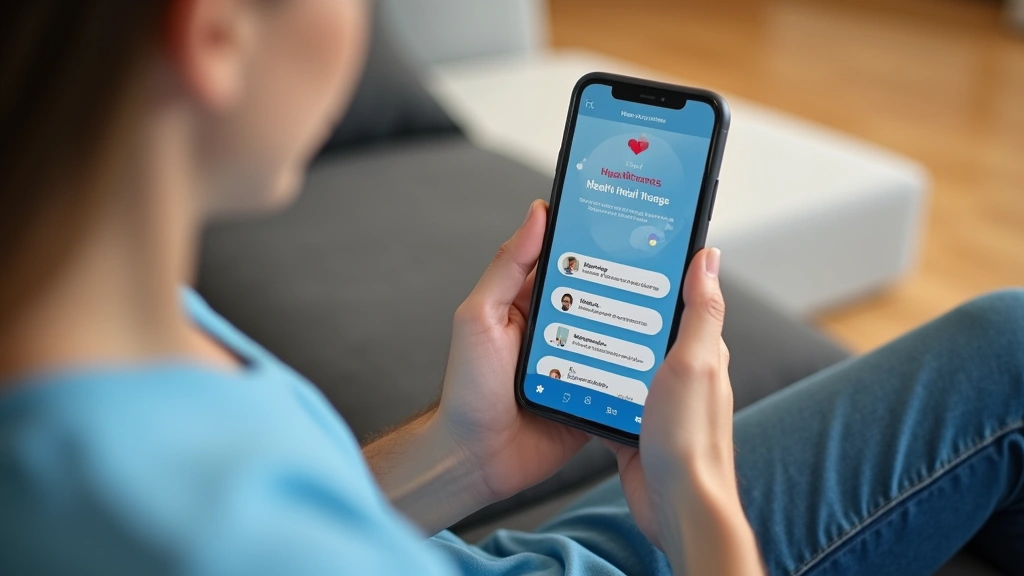
MyChart’s secure messaging system creates a documented communication record between you and your care team. This feature is ideal for non-urgent questions, prescription refill requests, and follow-up discussions. Messages are encrypted and HIPAA-compliant, ensuring your privacy while maintaining a searchable history of all communications with your providers.

Is MyChart SSM Health Secure and HIPAA Compliant?
Security is paramount in healthcare technology. MyChart employs multi-factor authentication, end-to-end encryption, and regular security audits to protect your sensitive health information. As required by HIPAA regulations, all patient data is safeguarded with industry-standard protocols. SSM Health maintains strict access controls to ensure only authorized personnel can view your medical records.
What Should I Do If I Forget My MyChart Password?
Password recovery is simple and secure. The ‘Forgot Password’ link triggers an identity verification process to confirm you’re the account owner. You’ll receive a password reset link via email, which allows you to create a new password. For additional support, you can contact SSM Health’s patient portal help desk during business hours.
How Do I Register for a MyChart Account If I’m a New Patient?
New patient registration is straightforward and takes approximately 5-10 minutes. You’ll need your SSM Health medical record number or phone number on file. After registration, your account is immediately active, allowing you to access online medical consultations and all portal features. If you don’t have a medical record number yet, you can create an account during your first appointment.
Frequently Asked Questions
Can I access MyChart on my mobile device?
The mobile app provides full functionality including appointment scheduling, secure messaging, and medical record access with the same security features as the desktop version.
How quickly will my doctor respond to MyChart messages?
Message response times vary by provider and complexity. For time-sensitive concerns, always contact your provider’s office directly or seek emergency care.
Can I pay my medical bills through MyChart?
You can review itemized bills, set up payment plans, and access financial assistance information directly through MyChart, simplifying your healthcare billing experience.