
How to Check Tesla Battery Health: Complete Guide to Diagnostics
Understanding your Tesla’s battery health is essential for maintaining vehicle performance and resale value. Unlike traditional combustion engines, electric vehicle batteries gradually lose capacity over time, but Tesla’s battery management systems provide multiple ways to monitor this degradation. Whether you’re a new Tesla owner concerned about long-term reliability or an experienced driver tracking battery performance, knowing how to access and interpret battery health data helps you make informed decisions about maintenance and vehicle care.
Tesla has designed intuitive tools to help owners monitor battery status without requiring expensive diagnostics. The good news is that most Tesla batteries are engineered to last the lifetime of the vehicle, with warranty coverage extending 8 years or 120,000-150,000 miles depending on the model. By learning to check battery health yourself, you can catch potential issues early and optimize your vehicle’s longevity.
What Information Does the Tesla Battery Health Check Display?
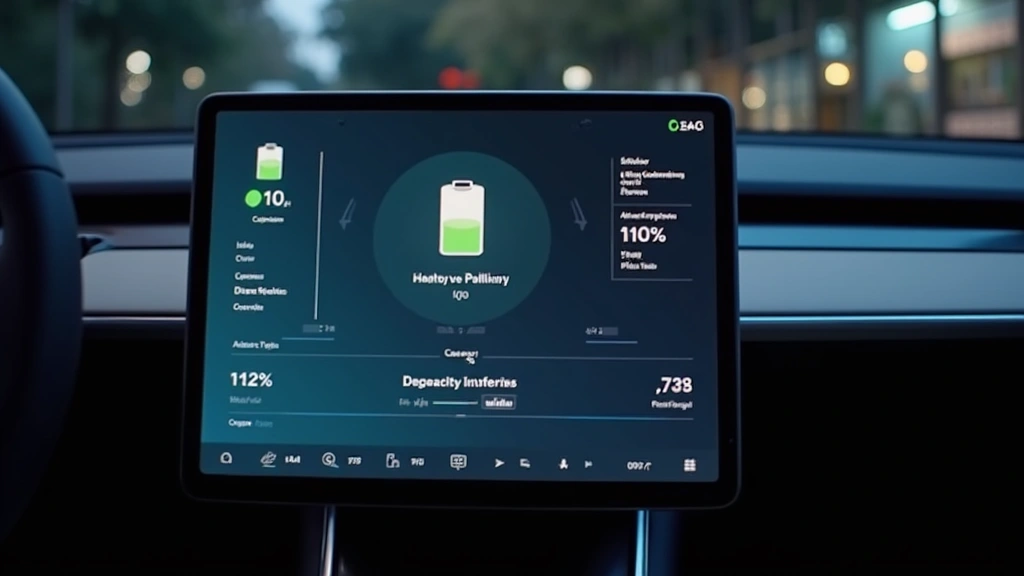
When you access battery diagnostics, Tesla displays several key metrics. The degradation percentage indicates how much capacity your battery has lost since manufacturing. For example, if your vehicle originally had 300 miles of range and now shows 285 miles, that represents a 5% capacity loss. The system also displays current battery temperature, which affects charging speed and overall performance. Understanding these metrics helps you identify whether your battery is degrading within normal parameters or if professional service is needed.
How Do You Access Battery Diagnostics Through the Tesla Touchscreen?
Accessing battery information through your Tesla’s touchscreen is straightforward. Start by tapping the Controls icon on the main screen, then select Service. From there, choose Battery to see comprehensive health data. This built-in diagnostic tool provides immediate feedback about your battery’s current state without requiring a visit to a service center. You can check this information as frequently as you like, making it ideal for tracking long-term degradation patterns or investigating sudden performance changes.

Can You Check Tesla Battery Health Through the Mobile App?
The Tesla mobile app offers convenient battery monitoring from anywhere. You can check your vehicle’s current charge percentage, estimated range, and charging status remotely. However, the app’s battery information is more limited compared to the touchscreen diagnostics. For comprehensive health metrics and degradation data, you’ll need to use the in-vehicle display. The app is ideal for daily monitoring and trip planning, while the touchscreen provides the detailed diagnostic information necessary for thorough battery health assessment.
How Much Battery Degradation Is Normal for a Tesla Over Time?
Understanding normal degradation rates helps you determine whether your battery is aging as expected. Most Tesla owners experience minimal capacity loss during the warranty period. Real-world data shows that vehicles driven in moderate climates with regular maintenance degrade slower than those in extreme heat or cold environments. Aggressive fast-charging habits and consistently depleting the battery to very low levels can accelerate degradation. By monitoring your battery health regularly and adopting optimal charging practices, you can minimize capacity loss and extend your battery’s lifespan significantly.

What Does a Tesla Service Center Battery Health Report Include?
When you visit a Tesla Service Center for battery diagnostics, technicians perform comprehensive testing beyond what’s available on your vehicle’s display. They measure individual cell performance, analyze thermal management systems, and generate detailed reports comparing your battery to factory specifications. This professional assessment is particularly valuable if you suspect battery problems or are preparing to sell your vehicle. Service Center reports provide documentation of battery condition that can affect resale value and buyer confidence. Most routine battery checks are complimentary for warranty-covered vehicles.
What Are Signs That Your Tesla Battery Health Is Declining?
Beyond checking diagnostic data, pay attention to real-world performance changes. If your vehicle’s estimated range decreases noticeably or charging times become significantly longer, these may indicate battery issues. Dashboard warning lights related to the battery system should never be ignored. Sudden loss of range or unexpected shutdowns at low battery levels warrant immediate professional evaluation. Most of these symptoms suggest battery problems requiring service, but regular monitoring through the touchscreen helps you catch issues early before they impact vehicle reliability or safety.
How Long Does a Tesla Battery Typically Last Before Replacement Is Needed?
Tesla batteries are engineered for exceptional longevity. The manufacturer’s warranty provides peace of mind, but real-world data shows most batteries significantly outlast warranty coverage. Owners report vehicles with 200,000+ miles still maintaining 85% of original capacity. Battery replacement, while expensive, is rarely necessary during typical vehicle ownership. By maintaining optimal charging habits—avoiding extreme fast-charging and preventing complete depletion—you can maximize your battery’s lifespan. Regular monitoring through the diagnostic tools discussed here ensures you’ll know well in advance if replacement becomes necessary.
Frequently Asked Questions
Is checking Tesla battery health free?
The built-in diagnostic tools are included with your Tesla at no cost. Professional Service Center evaluations are covered under warranty for most vehicles, making comprehensive battery assessment accessible to all owners.
Should I be worried if my Tesla battery shows 5% degradation after 2 years?
This degradation rate aligns with typical Tesla battery performance. You can expect similar or better results over the vehicle’s lifetime with proper care and maintenance.
Can extreme temperatures affect Tesla battery health readings?
Permanent degradation is distinct from temporary temperature-related performance changes. Check battery health in moderate temperature conditions for the most accurate long-term degradation assessment.